March 17, 2026
·PostHow We Built the Modular Cloud Blog with AI
Hopefully we don't get sued for this... 😬
Disclaimer: Dear OpenAI, we’re greatly inspired by your web design and took all steps we could think of to not infringe on your intellectual property rights, such as licensing a different font. If you have a problem with this, we will gladly change our web design. The purpose of this post is to show how powerful AI development is. In the process of doing so, we demonstrate how ChatGPT played an integral role in this process. Thank you for innovating in AI, and making this all possible. Please feel free to get in touch at lzrs@modular.cloud.
Prologue
After our company went through a substantial pivot, we started to revamp our social media presence. We were once a verified business on X, and wanted to get reverified after allowing that expensive subscription to lapse. But when we re-applied, we were rejected.

Ugh, our main website modular.cloud was just a redirect to our main product’s website, chopin.sh.
So, we decided to quickly spin up a website using Claude Code.
The Design
Right now, we don’t have designers on payroll. So we had to improvise. Normally, when working with designers, we like to find inspiration on platforms like X, Dribbble, etc. And ideally we also find other examples of good website designs in the wild to base our work off of.
We followed the same technique here—and decided to take inspiration from OpenAI’s amazing website.
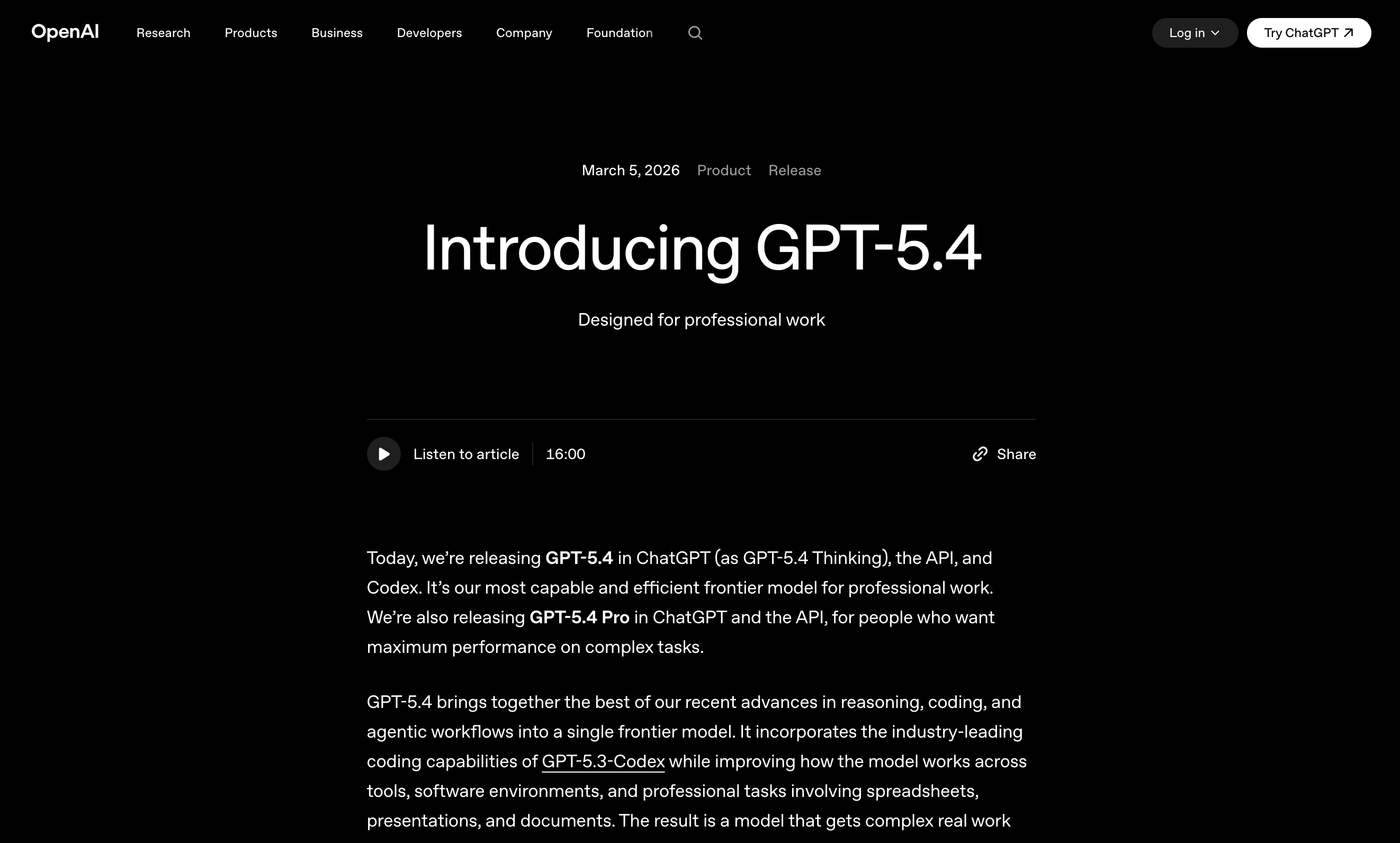
Simple and clean 👌
Making a website similar to this has three components: (1) colors (2) fonts and (3) layouts. Let’s go through each one.
The Colors
Black and white. It doesn’t take an GPT-5.4 Pro with Extended Thinking to figure that out. The next parts are more difficult.
The Font
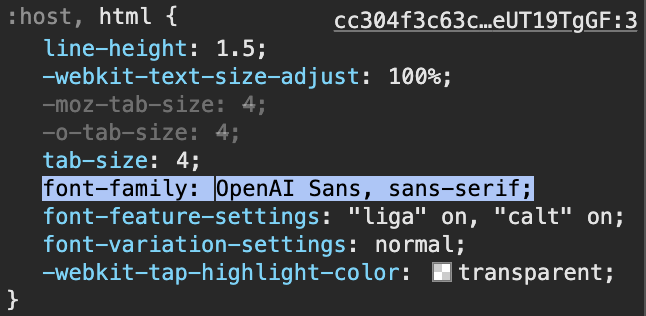
Upon inspection, it we could see that OpenAI uses a beautifully crafted proprietary font called OpenAI Sans. This font is available to download from their website, but we don’t have a license to use it, so we needed to find an alternative.
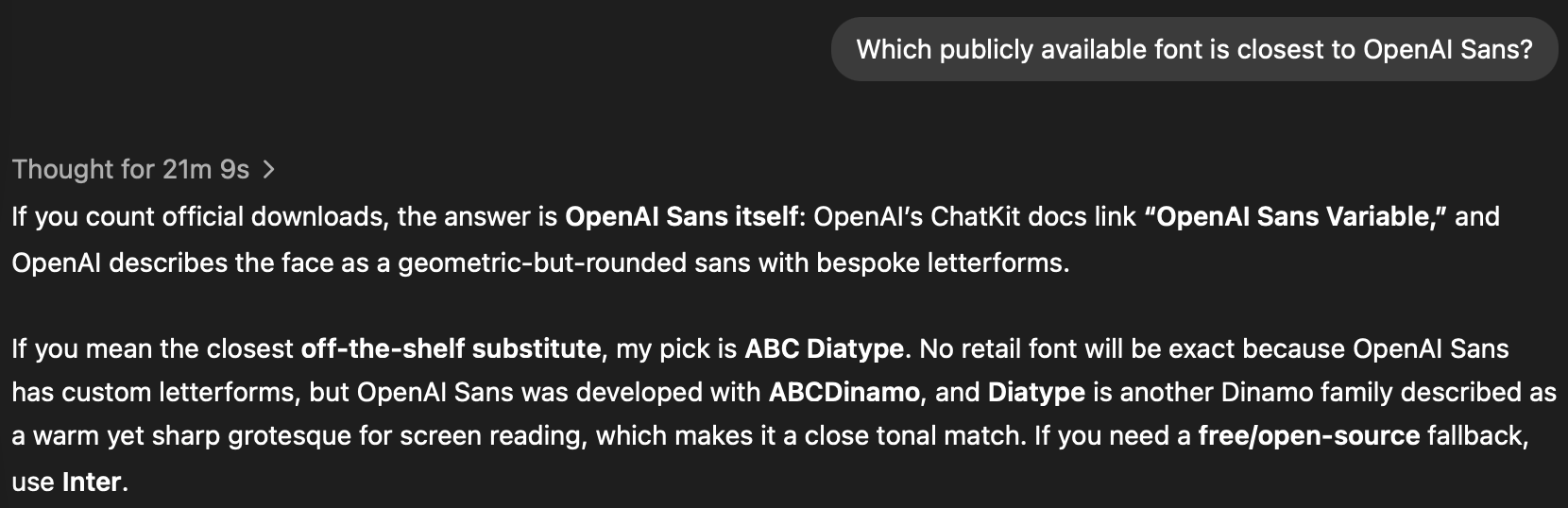
So we asked ChatGPT what the most similar publicly available alternative font to OpenAI Sans would be and it pointed us to ABC Diatype, made by the same design shop that created OpenAI Sans.
The Layout
We happened to be doing a lot of work in Claude Code at the time of building this website. So, we first asked it to build a blog similar to OpenAI’s.
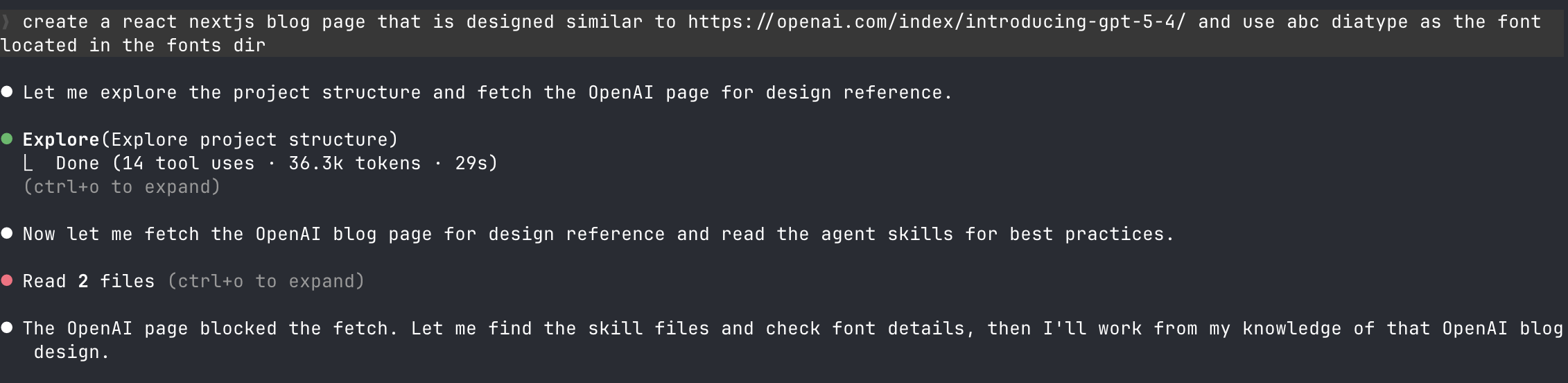
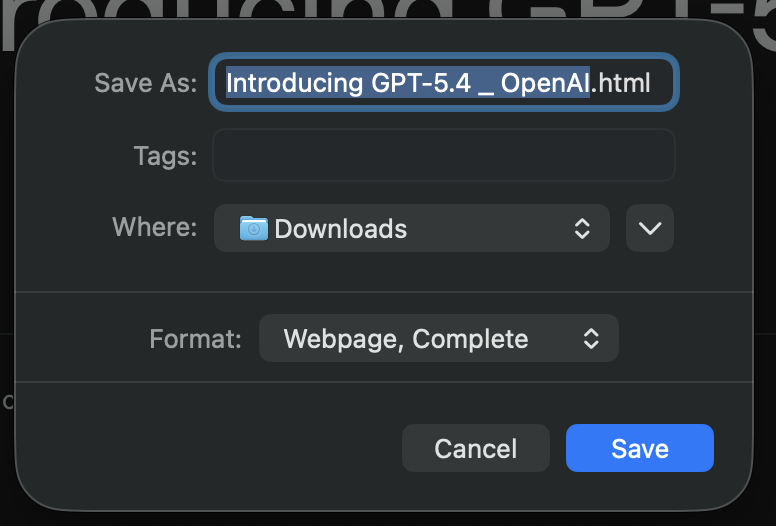
But OpenAI blocked it. Probably because we were using Claude. So, we simply saved the webpage locally and asked ChatGPT to use the source instead of accessing it on the web.
And it worked! Look at what it produced. Note: We subsequently made some additional modifications that are also depicted here, but it basically one-shotted this.
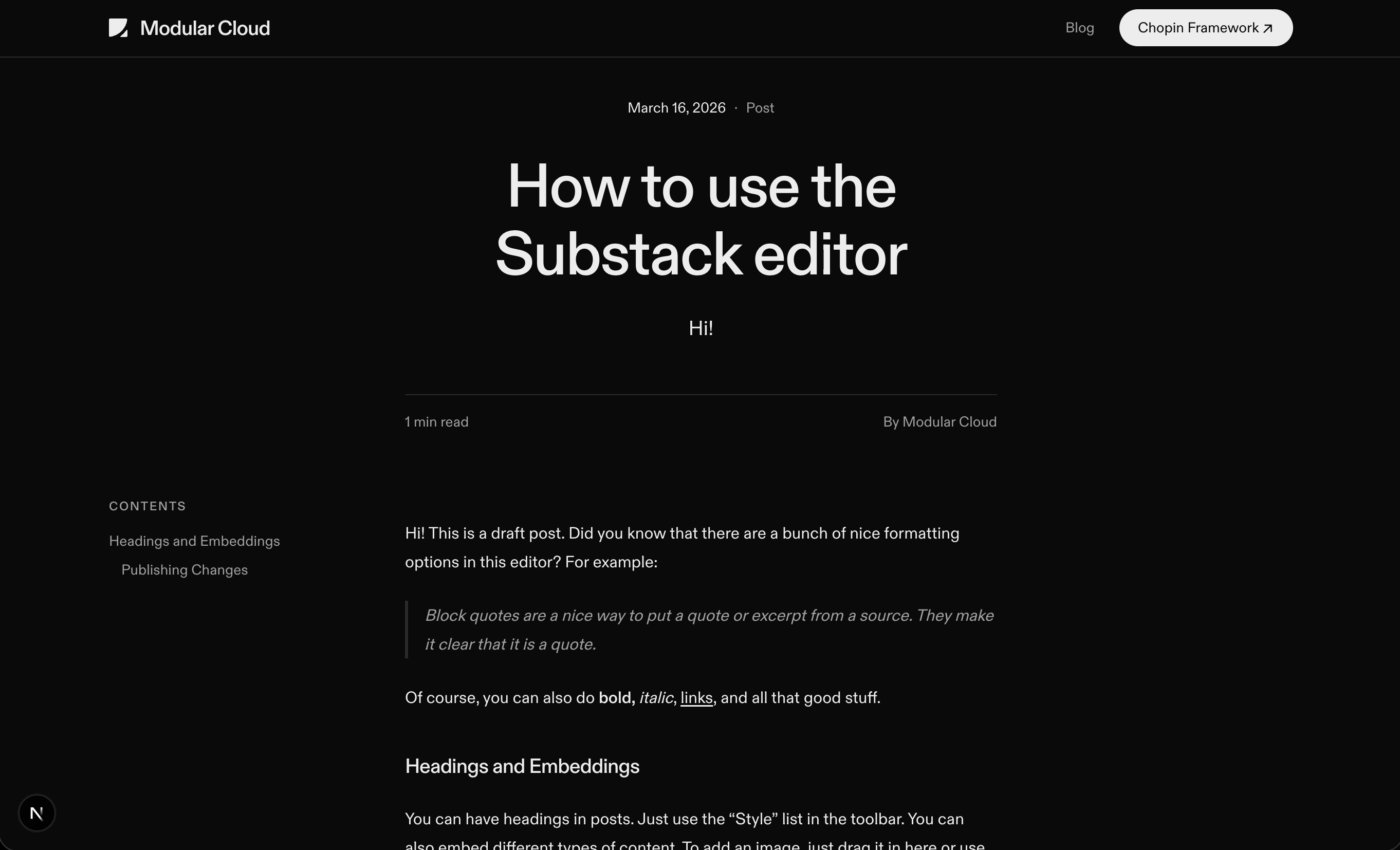
And with that, the frontend was complete. Later in this post, we will share some more of the details for how exactly we configured Claude code to do this well.
The Blog Backend
After creating a nice blog UI, we needed to figure how to write and publish posts to the blog. We considered several options:
Statically generate from markdown using Fumadocs. We decided that we didn’t prefer to work that way. That model works better for living documents, such as product documentation, not time series posts that are basically final once published.
Use a headless blog like Ghost. We decided not to do that because we didn’t want to manage a separate Ghost deployment. It’s possible that we could have used free Ghost hosting, but we didn’t look into that. We certainly didn’t want to pay for premium Ghost hosting.
Vibecode a custom blog backend. Although this is easy, it’s still too much work.
So instead, we decided to use Substack as a blog backend. This is a social platform we already wanted to use, as we are revamping our social media presence. Publishing on Substack gets us additional distribution through the Substack app, so it makes perfect sense to mirror it on our main website’s blog.
Building on Substack
Unfortunately, Substack is not meant to be used this way. Their API does not support retrieving all posts.
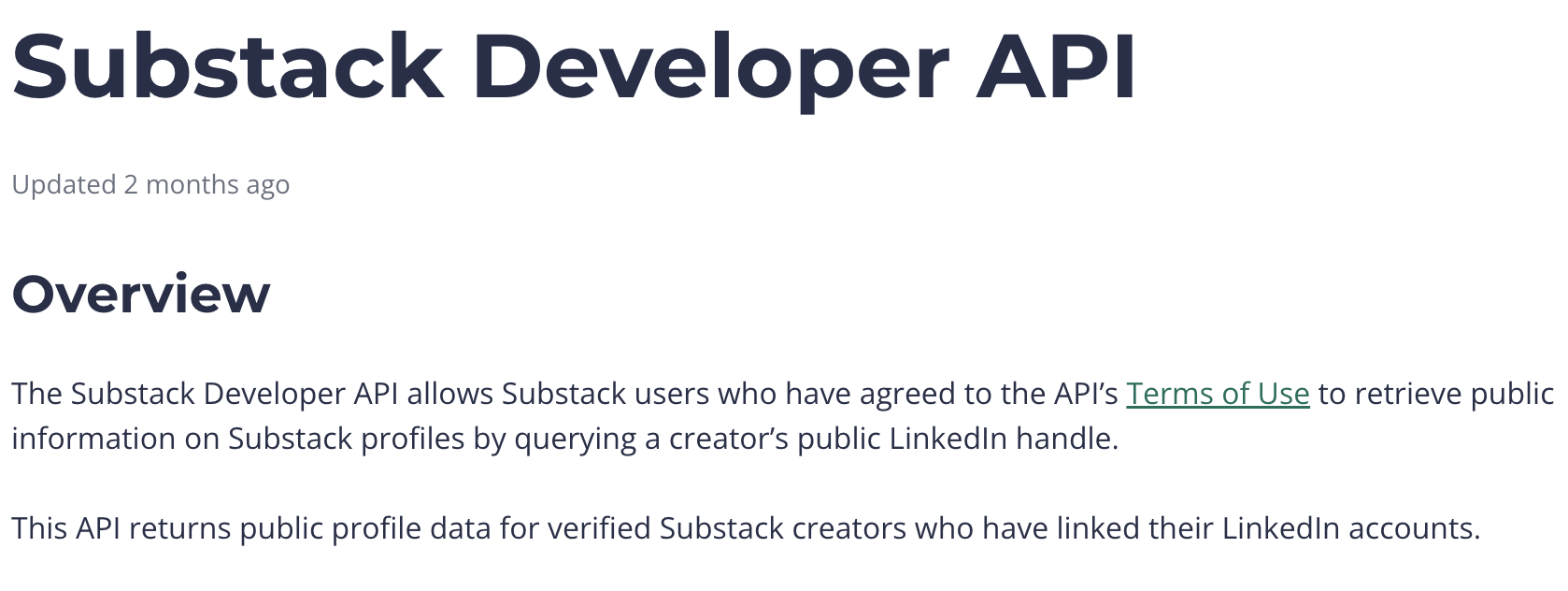
Don’t ask us what Substack has to do with LinkedIn… but apparently this is the only thing you can do with their API.
However, they do have an RSS feed, which includes the HTML content of all the posts on a given Substack.
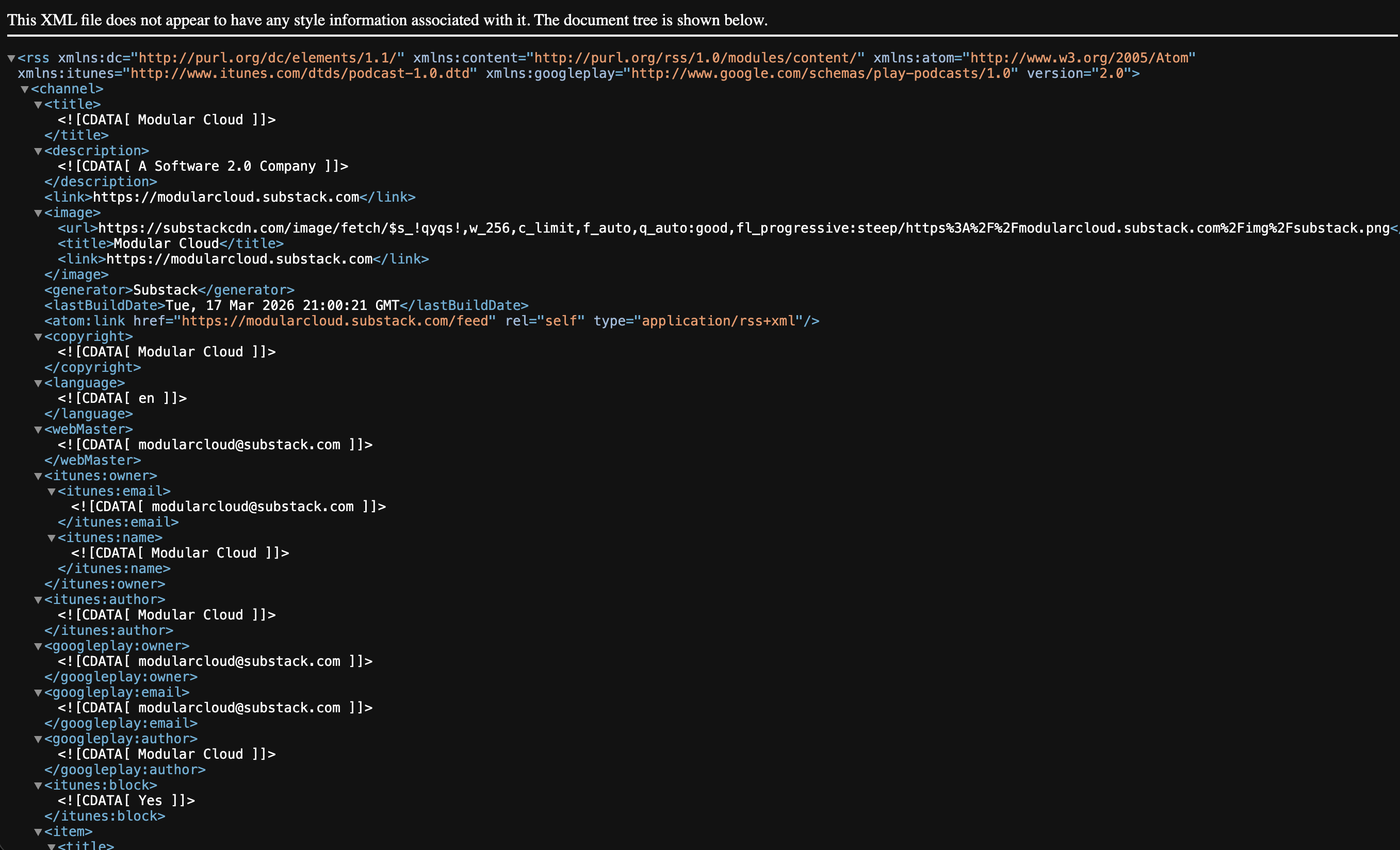
So, we were able to basically one-shot a Substack backend with the following prompt
I want to use substack as the backend for the blog. At build time, fetch the RSS feed from https://modularcloud.substack.com/feed and populate posts with the content from this. To be clear, I want the nextjs site to be statically generated from this content source
There were a few minor issues with how the post was rendered that were easily resolved.
It’s Almost Perfect…
But not quite. Substack also doesn’t support programmatic subscriptions, so we are maintaining a separate mailing list using Resend for those that subscribe on modular.cloud. We could link people to Substack to subscribe, but thought it would be a better UX for them to be able to subscribe without leaving the page.
What’s Next
From here, we still have a lot of improvements to make. We will trigger rebuilds whenever a Substack post is published (probably by listening for a Substack email. We will also find a way to automatically mirror the Substack emails to the Resend list. Lastly, we will likely modify the design to be less similar to OpenAI’s blog, which provided great inspiration for a starting place that got up and running quickly.
The Takeaway
In summary, AI excels at turning comprehensive specs into working code. AI also is great at assisting in generating specs. But this only works well for backend work. Frontend is a different story.
Working with AI agents on frontend design is made much easier by providing concrete inspiration—ideally from existing websites and apps that have inspectable implementations. This allows the agent to get concrete design inspiration instead of inferring it from an image.
We also think that others might consider using Substack as a backend for their blog, as it is a powerful and growing platform with a great track record.
Context Engineering Tips
This was a relatively easy task. Usually, we put a lot of effort into creating specs and ralph loops, but in this case it was not needed. It’s just a static site with minimal complexity.
We did, however, use the following skills, MCP servers, and plugins.
Skills
Also, we used Figma skills (see below).
MCP
Resend MCP and Figma MCP (see below).
Plugins
We used the Figma Claude Code plugin to automatically enable the Figma skills and MCP. This was only used to fetch our logo from Figma.
Subscribe to Modular Cloud
Get our latest posts delivered to your inbox.